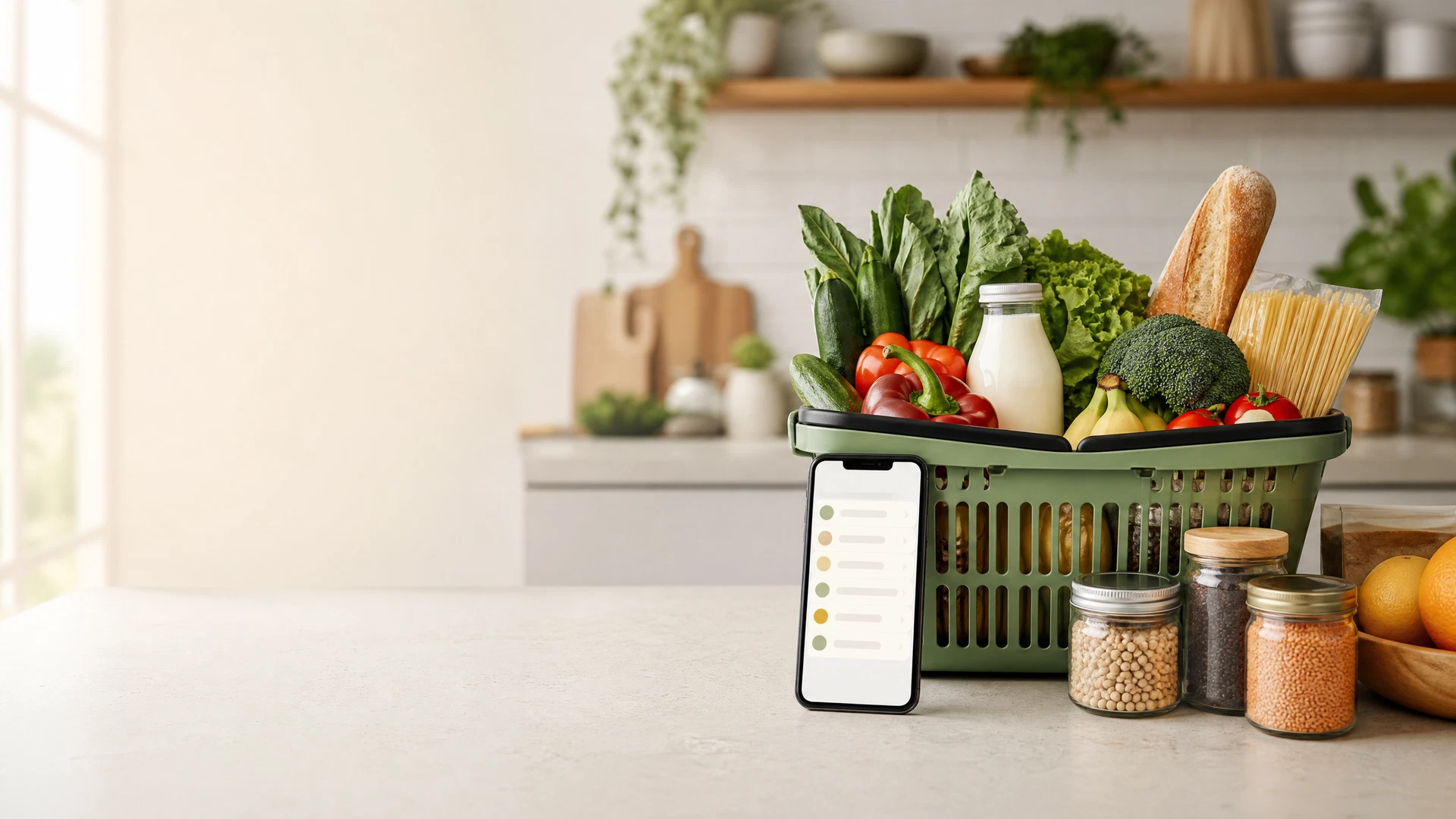
تسوق البقالة عبر الإنترنت في الإمارات والخليج 2026 | قوائم ذكية ونصائح للتوفير
يعمل تسوق البقالة عبر الإنترنت بشكل أفضل عندما يعتمد على خطة منزلية. تساعدك القائمة على تجنب نسيان الأساسيات، ومقارنة أحجام العبوات المتشابهة، وتحديد ما يمكن تأجيله. وهذا مفيد لطلبات الطعام الأسبوعية والمواد التموينية والمنظفات والعناية الشخصية في الإمارات ودول الخليج.
قد تتغير كتالوجات المتاجر ومناطق الخدمة ومواعيد التوصيل والرسوم والأسعار والمخزون. لذلك يركز هذا الدليل على طريقة تسوق عملية بدلاً من الوعد بسعر سلة أو وقت توصيل أو عرض محدد.
1. جهز القائمة قبل فتح التطبيق
ابدأ بما يحتاجه المنزل للأيام القليلة القادمة: المنتجات الطازجة والمواد الأساسية والمنظفات والعناية الشخصية. أضف الكميات والوحدات قدر الإمكان. تتيح لك البقالة الذكية من سوشيال ديلز تنظيم المنتجات حسب الفئة وتعديل الكميات وإعداد القائمة قبل اختيار المتجر.
غالباً تكون القائمة القصيرة أكثر فائدة من التصفح من الذاكرة، فهي تسهل معرفة ما إذا كان لديك أرز أو منظف أو أدوات عناية شخصية في المنزل وتقلل من التكرار غير المقصود.
2. قارن الوحدة والسلة النهائية
عند مقارنة المنتجات المعبأة، راجع الوزن أو الحجم أو العدد بجانب سعر المنتج. وبالنسبة للمنتجات الطازجة، راجع معلومات المنتج والكمية التي يتيحها المتجر. قبل الطلب، تحقق من إجمالي السلة والرسوم التي يعرضها المتجر وموعد التوصيل وإعداد البدائل وأي حد أدنى للطلب.
تؤكد معلومات حماية المستهلك من حكومة الإمارات أهمية دقة معلومات المنتج والأسعار المعلنة. وإذا واجهت مشكلة استهلاكية في الإمارات، تشرح خدمة شكاوى المستهلكين في وزارة الاقتصاد والسياحة القناة الرسمية.
3. استخدم تطبيقات المتاجر كمعلومات مباشرة لا كوعود ثابتة
قد يعتمد اختيار البقالة على مكان السكن وما هو متاح محلياً. فعلى سبيل المثال، تطلب صفحة Carrefour Express على طلبات من المستخدم اختيار المنطقة قبل بدء الطلب. وهذا تذكير جيد بالتحقق من موقعك وتوفر المنتج والشروط الحالية في تطبيق أو موقع المتجر.
تصف صفحة نون الرسمية في Google Play ميزات التسوق والبقالة في الأسواق المدعومة. عند التحقق من نون، ابدأ من دليل متجر نون وتأكد من شروط السلة الحالية مباشرة في التطبيق أو الموقع.
4. أنشئ روتيناً أسبوعياً قابلاً للتكرار
- افحص المطبخ: سجّل ما ينقص فعلياً قبل إضافته.
- صنّف القائمة: افصل المنتجات الطازجة والتموينية والمنزلية والعناية الشخصية.
- قارن المتشابه: راجع الحجم أو الوحدة نفسها قبل الاختيار.
- راجع الشاشة النهائية: تحقق من البدائل والكميات والرسوم وخيار التوصيل.
- احتفظ بالقائمة المفيدة: أعد استخدام التنظيم في الأسبوع التالي وحدّث ما تغير فقط.
5. ابحث عن العروض بحذر
تصفح عروض سوشيال ديلز الحالية بعد إكمال قائمتك فقط. عند ظهور كود، تحقق من انطباقه على سلتك وأن التخفيض يظهر عند الدفع. ولأفكار تسوق منزلية أخرى، راجع اختيارات التسوق أو دليل المتاجر.
قد يستخدم سوشيال ديلز روابط شراكة. قد نحصل على عمولة من عمليات الشراء المؤهلة، لكن يجب أن يستند قرار الشراء إلى المنتج والسعر والتوفر والشروط المباشرة لدى المتجر. اقرأ إخلاء مسؤولية الشراكة لمزيد من المعلومات.
الخلاصة
أكثر تطبيقات البقالة فائدة هو التطبيق الذي تستخدمه بقائمة واضحة وفحص للسلة النهائية. خطط لحاجة المنزل أولاً، وقارن الوحدة والإجمالي الفعلي، وتأكد من شروط المتجر قبل الشراء.